ZeroDev Sound docs
FiveM car audio script: subwoofers and bass speakers
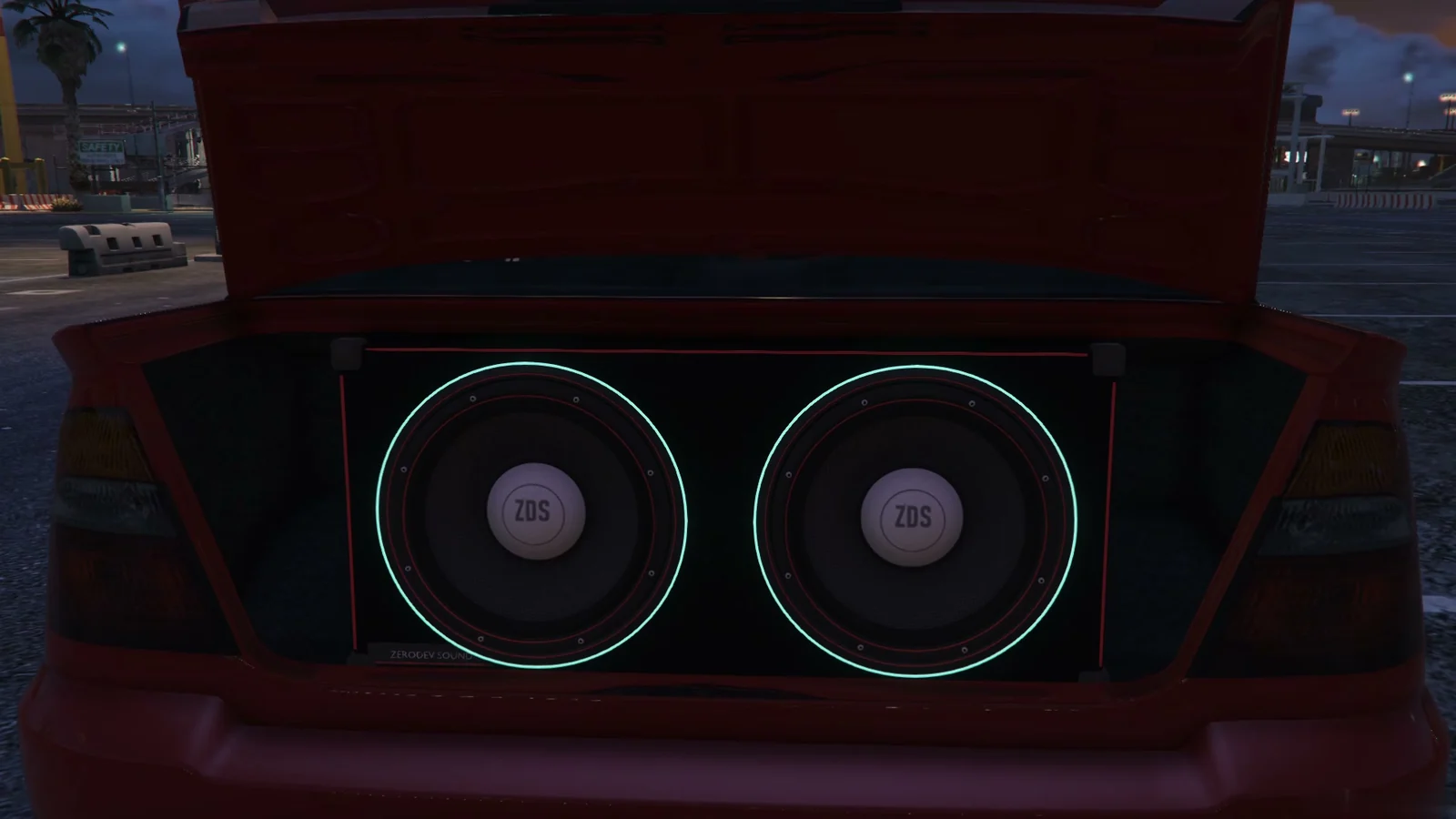
ZeroDev Sound adds car audio that players build into their own cars: subwoofers in boxes, amplifiers, door speakers, a head unit and LED lights, placed part by part in an install bay. The build stays with the car, and people outside hear mostly the bass, the way they would on a real street. This guide sets it up on a FiveM server.
What you need
- oxmysql. ZeroDev Sound creates its own tables on the first start. There is no SQL to import.
- A framework: ESX Legacy, QBCore, Qbox, or none (standalone). It is found on start.
- An inventory for the speaker items, or none. ox_inventory, qb-inventory, qs-inventory and others are found on start.
- Optional: ox_target or qb-target (otherwise players get a key prompt), and Pulse Phone for the car stereo on the phone's car screen.
How to set up car audio
- Put the
zerodev-soundfolder in yourresourcesfolder and keep that folder name. - Add
ensure zerodev-soundtoserver.cfg, after oxmysql, your framework and your inventory. - On ox_inventory, qs-inventory or qb-inventory, add
add_filesystem_permission zerodev-sound write ox_inventory(use your inventory's resource name), so the script can write its items for you. - Restart the whole server. If the console says it wrote items, restart once more.
- Drive into the car audio bay at Benny's as the driver and press E. The installer opens on your car.
How players build
Players start from a ready kit (Daily thump, Competition, Trunk wall, Sound quality, Clean and hidden) or pick each part: subwoofers from 8" to 21", boxes, amplifiers, door speakers, tweeters, a capacitor, a second battery, LED strips and a head unit. Each part is dragged into place on the car and takes a finish. Test system plays the build before they pay, and Install charges only the parts that are new to the car.
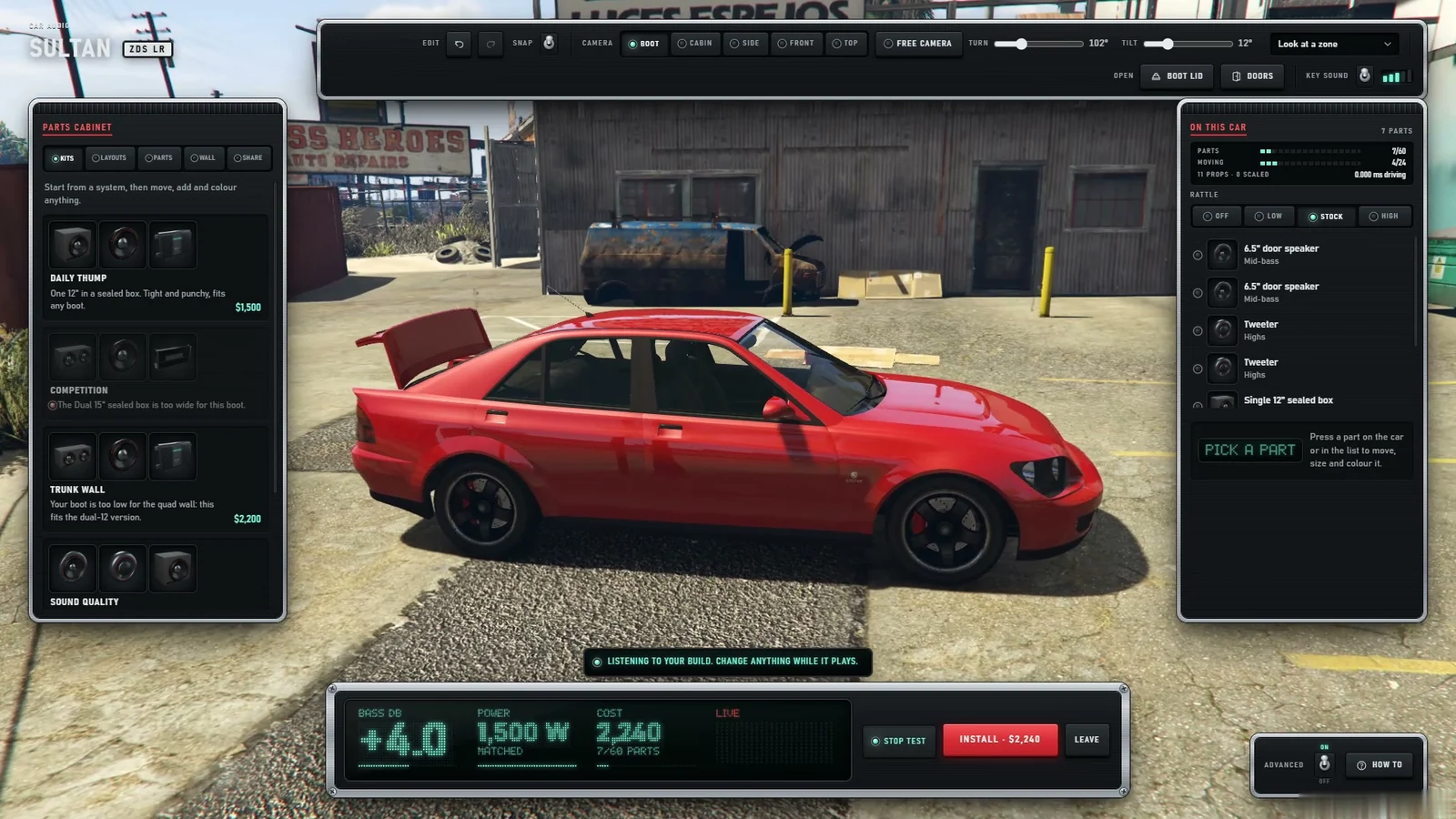
The build is saved against the plate and comes back with the car from any garage, impound or respawn. Nothing needs to change in your garage script.
What everyone hears
- Every car already has a factory sound for its class: four speakers, a premium or a reference system. Fitted speakers replace the factory speakers nearest to them, and subs add to them.
- Outside the car, mostly the bass gets through. Open doors, windows and an open boot let more out.
- The boot lid and trunk panels rattle with the bass. Subs driven far past what their amplifier allows can blow, and a blown sub stays charred until it is replaced.
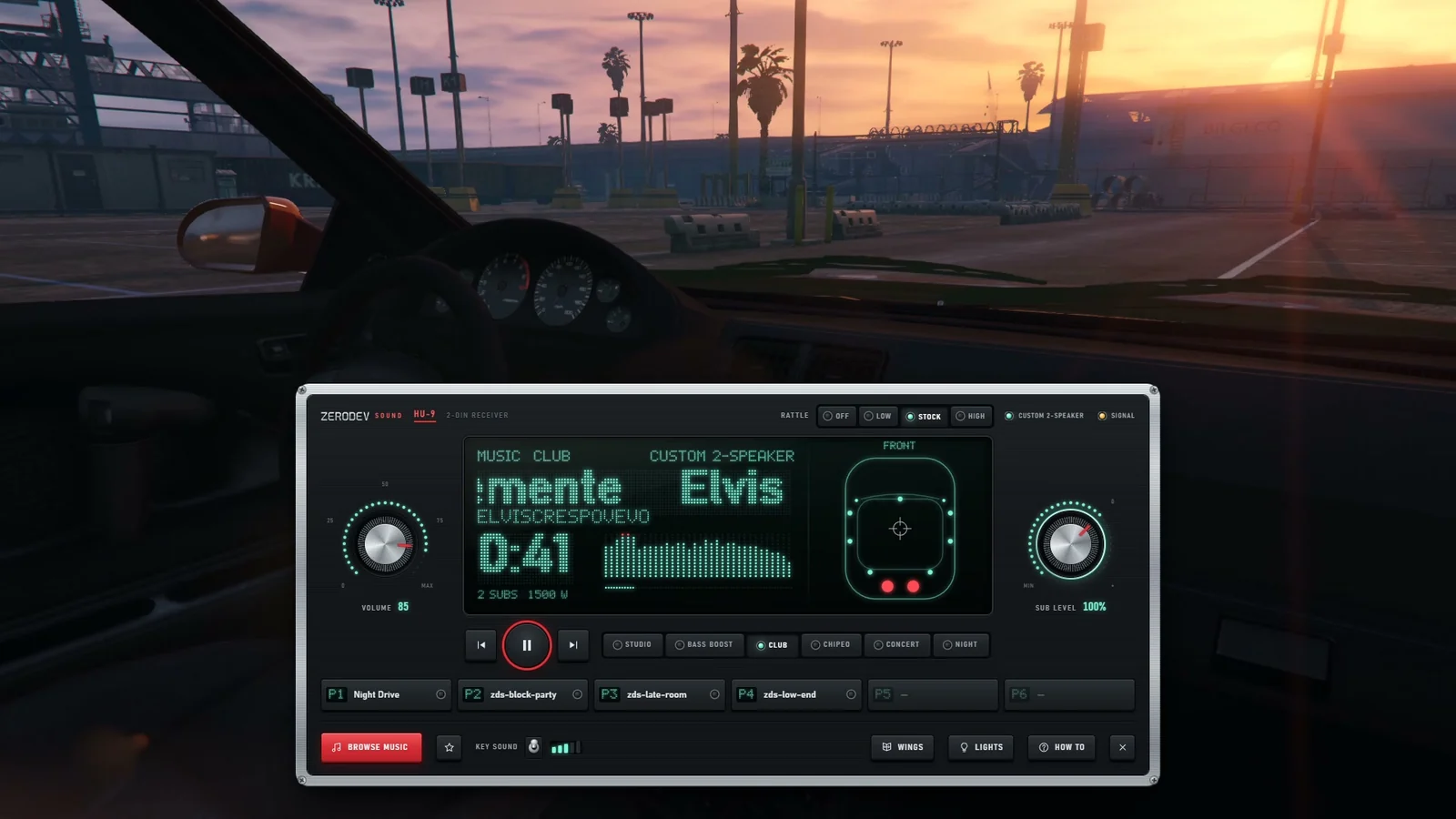
- The stereo (K by default) has volume, sub level, fader and balance.
Settings server owners change
Every setting is in game, in /soundadmin. The same values in config/config.lua:
| What you want | Setting |
|---|---|
| Move the bay or add bays | Config.Install.bays (each with label, coords, radius, blip) |
| Build at the car anywhere | Config.Install.anywhere = true |
| Which cars can be built | Config.Install.vehicles: 'owned' (default) or 'any' |
| Only mechanics install | Config.Install.anyone = false and the jobs in Config.Install.jobs |
| Free car parts | Config.Install.chargeParts = false |
| Quiet hours | Config.QuietHours = { enabled = true, from = 23, to = 7, maxVolume = 0.35 } |
Music
Music plays from audio files you add to the resource and from GTA's own radio. Players cannot enter links. Add only audio you own or hold the rights to use.
Frequently asked questions
Do players keep their car audio after a restart or the garage?
Yes. The install is saved against the car's plate and comes back whenever the car does.
Can people outside the car hear the subwoofers?
Yes. Mostly the bass gets through the body; open doors, windows and the boot let more of the music out.
Does it work with my garage script?
There is nothing to edit. Owned cars are read from your framework's table (owned_vehicles on ESX,
player_vehicles on QBCore and Qbox), and plates are matched in capitals with spaces trimmed.
Set up for your framework
ESX · QBCore · Qbox · Full install guide · Developer API
Try it on your own server
ZeroDev Sound is $45 once or $20/month, with a 7-day free trial on your own server. See ZeroDev Sound